Remember when we used to spend hours hunting for the perfect stock photo, only to find something that looked slightly too “corporate” for our brand? That struggle feels like ancient history now. We’ve moved past the era of simple filters and into a space where we can simply describe a vision and watch it materialize. As we move through 2026, the landscape of visual content has changed. It isn’t just about making a pretty picture anymore; it’s about consistency, brand control, and speed.
If you are a YouTuber, blogger, or social media manager, you know that visual fatigue is real. Your audience craves novelty. Using the same generic icons or overused stock imagery makes your content blend into the background. That is why knowing which generator to pick for your specific workflow is so vital. I’ve spent the last few months testing the latest models to see which ones actually hold up when you need professional results.
The top contenders for professional workflows
Not every tool is built for the same purpose. Some are great for quick Instagram stories, while others are heavy-duty engines designed for high-resolution print or complex character design. When performing an AI tool comparison, you have to look beyond just how “cool” the images look. You need to consider things like prompt adherence, typography integration, and how easy it is to keep a character looking the same across ten different images.
Midjourney v7: The king of aesthetics
Midjourney remains the gold standard for pure artistry. The latest version has finally solved the “uncanny valley” issue with human skin textures and lighting. If your goal is to create breathtaking concept art or hyper-realistic photography for a lifestyle blog, this is your go-to. It excels at lighting, shadows, and composition.
- Best for: High-end digital art and realistic photography.
- Key Feature: The new “Style Reference” tool allows you to upload an image and force the AI to mimic its exact color palette and mood.
- Pricing: Starts at $10/month for basic usage; Pro plans around $60/month for unlimited relaxed generations.
DALL-E 4: The logic master
While Midjourney handles the “vibe,” DALL-E 4 handles the instructions. If you need an image of “a blue cat wearing a red hat while riding a bicycle through a rainstorm of marshmallows,” DALL’E 4 is much less likely to forget the marshmallows. It understands complex spatial relationships better than almost anything else on the market.
- Best for: Illustrative content and complex, multi-subject scenes.
- Key Feature: Native integration with ChatGPT allows you to iterate on images using natural conversation.
- Pricing: Included with ChatGPT Plus ($20/month).
Adobe Firefly: The designer’s choice
For those of us already living inside Photoshop, Firefly is the most practical option. It isn’t just a standalone generator; it’s a feature embedded within your existing creative suite. It is specifically trained on Adobe Stock, which means the copyright concerns that plague other models are significantly lower, making it much safer for commercial use.
- Best for: Commercial designers and social media managers needing brand safety.
- Key Feature: Generative Fill, which allows you to expand an image or swap out clothing on a model with a single click.
- Pricing: Included in Adobe Creative Cloud subscriptions.
Quick comparison of features and costs
Choosing between these tools often comes down to your budget and your specific output needs. Here is a quick breakdown to help you decide which one fits your current project load.
| Tool Name | Primary Strength | Best Use Case | Starting Price |
|---|---|---|---|
| Midjourney v7 | Visual Artistry | Concept Art / Photography | $10/mo |
| DALL-E 4 | Prompt Accuracy | Complex Storytelling | $20/mo |
| Adobe Firefly | Workflow Integration | Commercial Design | Part of CC |
| Stable Diffusion XL | Customization | Technical Users / Developers | Free (Self-hosted) |
Finding a specialized alternative to Midjourney
Sometimes, Midjourney is overkill. If you are just looking for a quick way to generate icons for a website or simple avatars, you might want a more streamlined alternative to the heavy-duty models. Tools like Canva’s Magic Media or Leonardo.ai offer a much lower barrier to entry. They provide a more “templated” experience that doesn’t require you to learn complex prompting syntax.
Leonardo.ai, in particular, has become a favorite for creators who want the power of Stable Diffusion without the headache of installing it on their own computers. It offers a web-based interface that is incredibly intuitive. You can train your own small models on your specific brand assets, which is a massive win for maintaining visual consistency.
Why customization matters for your brand
Consistency is the hardest thing to achieve in AI generation. One day your character looks like a teenager, the next day they look like a middle-aged man. This is where the vs debate between “generalist” and “specialist” tools becomes important. While DALL-E is a great generalist, a specialist tool like Leonardo allows you to create “LoRAs”—small files that act as a permanent memory of a specific character or style.
Common pitfalls to avoid when generating images
Even with the best tools, you can still end up with messy results. I’ve seen many creators struggle with the same three issues:
- Over-prompting: Adding too many adjectives can actually confuse the model. Sometimes, less is more.
- Ignoring aspect ratios: Always specify your dimensions (e.g., –ar 16:9 for YouTube) at the start of your process to avoid awkward cropping later.
- Neglecting the negative prompt: Most high-end tools allow you to tell the AI what *not* to include. Use this to remove unwanted textures, extra limbs, or blurry backgrounds.
Using these tools effectively requires a bit of experimentation. Don’t get discouraged if your first ten prompts look strange. It’s more about refining your instructions than finding a “magic” button.
Final thoughts on your creative toolkit
The best tool for you depends entirely on where you sit in the creative process. If you are a solo creator managing everything from scripts to thumbnails, a combination of ChatGPT (for DALL-E) and Canva might be your most efficient path. However, if you are building a high-end brand identity, investing in Midjourney or Adobe Firefly is well worth the monthly subscription.
The technology is moving fast, but the core principle remains the same: use these tools to augment your creativity, not replace it. The best content still comes from your unique perspective and storytelling ability.
Ready to level up your visuals? Start by picking one tool from this list and try recreating an old project with it. You might be surprised at how much time you save.
Our Top Picks
Products we recommend:
1. AI Automation Agents for Content Creators – Audiobook, by Sarah Mitchell
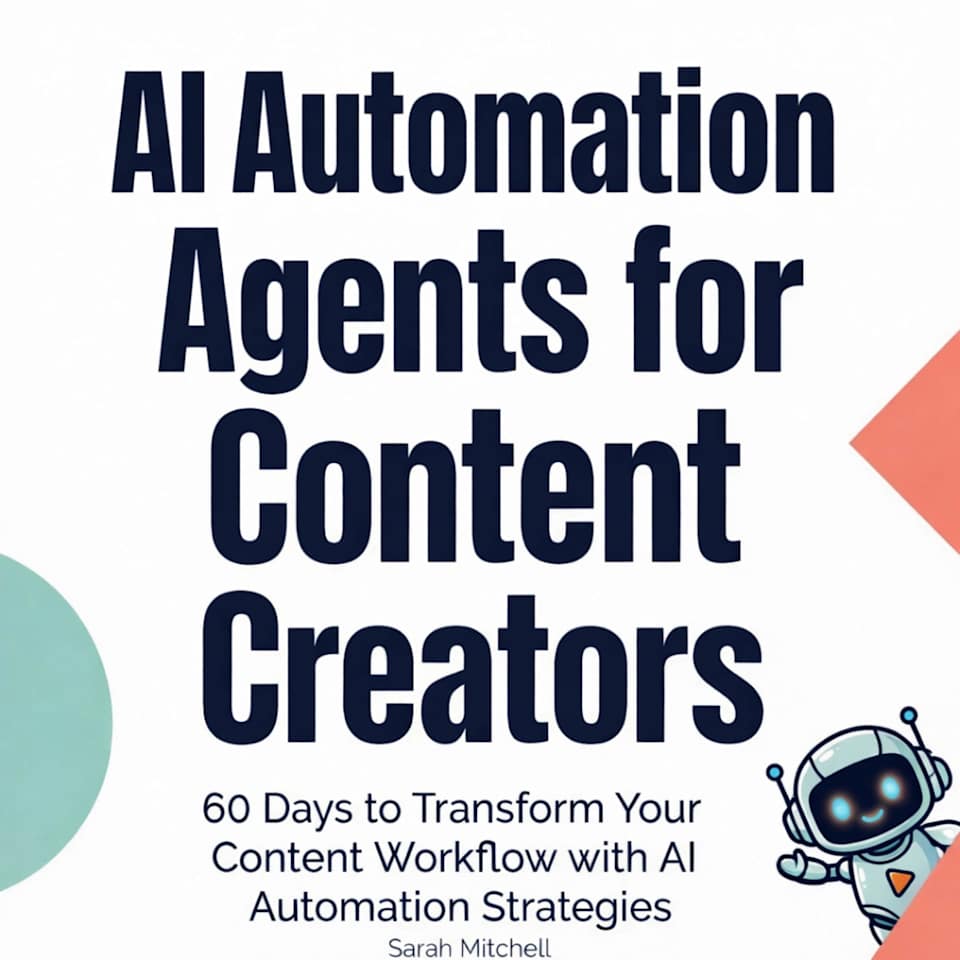
AI Automation Agents for Content Creators – Audiobook, by Sarah Mitchell
by Chirp Books
$8.99
2. Independent Content Creators Online
3. Independent Content Creators Online