Blog

  • Ai Automation Tools That Replace Manual Business Tasks

    Ai Automation Tools That Replace Manual Business Tasks

    Ever feel like your to-do list is actually just a collection of chores that don’t require a human brain? We’ve all been there—staring at a spreadsheet, manually copying data from an email into a CRM, or trying to summarize a one-hour meeting transcript while your actual work sits untouched. It is draining, repetitive, and frankly, a waste of your talent.

    The good news is that you don’t have to do this anymore. A new wave of software is moving beyond simple “if-this-than-that” logic and actually performing cognitive work. We aren’t just talking about simple bots; we are talking about tools that can read, write, analyze, and decide. If you are looking for an alternative to manual data entry or tedious scheduling, there is likely a tool ready to take that weight off your shoulders.

    Where automation actually saves you time

    Before we look at specific software, let’s identify where the real friction exists in most small to medium businesses. Automation works best when the task is predictable and follows a pattern. If you can describe the task to a junior intern in three steps, you can probably automate it.

    • Data moving: Transferring info between apps like Shopify, Google Sheets, and Salesforce.
    • Content drafting: Writing first drafts of emails, product descriptions, or social posts.
    • Meeting management: Summarizing calls, extracting action items, and updating calendars.
    • Customer support: Answering repetitive FAQs without a human typing every response.

    Top tools for automating workflow and logic

    If your main problem is “App A doesn’t talk to App B,” you need a workflow orchestrator. These tools act as the glue for your entire business stack.

    Zapier: The industry standard

    Zapier is the most famous name here for a reason. It connects thousands of different apps. While it started as a simple way to move data, its new “Central” feature allows you to create AI agents that can actually interact with your apps using natural language. You can tell it, “Whenever I get a new lead in Typeform, research their company on LinkedIn and add a summary to Slack,” and it just does it.

    Pricing: They offer a free tier for basic tasks, but for complex multi-step workflows, you’ll likely need the Professional plan, which starts around $20-$30 per month.

    Make.com: The advanced alternative to Zapier

    If Zapier feels a bit too “linear” for you, Make is the way to go. It uses a visual canvas where you can see the flow of data. It is much more powerful for complex logic, such as iterating through a list of items or using conditional branching. It is a bit harder to learn, but the AI tool comparison usually favors Make for users who need deep customization.

    Pricing: Their Core plan starts at roughly $9/month, making it a very budget-friendly option for small operations.

    AI tools for content and communication

    Writing is often the biggest bottleneck in marketing and operations. These tools handle the heavy lifting of drafting and editing.

    Jasper: For high-volume marketing

    Unlike a simple chatbot, Jasper is built specifically for marketing teams. It understands brand voice and can generate entire campaigns—from blog posts to ad copy—that stay consistent. It’s great if you need to scale your content production without hiring five new writers.

    Pricing: Jasper is a premium tool, with plans typically starting around $39/month per user.

    Otter.ai: Eliminating meeting notes

    Stop trying to take notes during Zoom calls. Otter joins your meetings, records the audio, and provides a real-time transcript. More importantly, it uses AI to generate a summary of the most important points and assigns tasks to participants. It effectively replaces the manual task of “recap email” after every client call.

    Pricing: They have a free version, but the Pro plan (around $10/month) is necessary for longer meeting recordings and advanced searches.

    Comparing the heavy hitters

    To help you decide which direction to take, I’ve put together a quick AI tool comparison table focusing on their primary use case and cost.

    Tool Name Primary Function Complexity Level Starting Price (Est.)
    Zapier App Connectivity Low to Medium Free / $20+
    Make.com Complex Workflows High Free / $9+
    Jasper Content Creation Low $39+
    Otter.ai Meeting Transcription Low Free / $10+

    How to start without breaking your budget

    The biggest mistake people make is trying to automate everything on day one. This leads to “automation debt,” where you spend more time fixing broken bots than actually working. Instead, I recommend a “one-in, one-out” strategy.

    1. Identify one recurring headache: Pick the task you hate most.
    2. Audit the steps: Write down exactly what you do to complete it.
    3. Find a single tool: Don’t buy a suite; just buy one tool that solves that one specific problem.
    4. Test and refine: Run the automation alongside your manual process for a week to ensure the pricing investment is actually paying off in saved hours.

    Automating your business isn’t about replacing humans; it’s about replacing the parts of your job that don’t require a human. When you get these repetitive tasks off your plate, you finally have the headspace to focus on the strategy and creativity that actually grows your revenue.

    Ready to reclaim your calendar? Pick one task today and start looking for its automated replacement. Your future, less-stressed self will thank you.

    Our Top Picks

    Products we recommend:

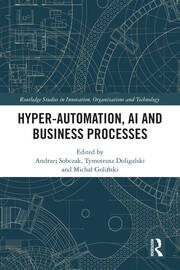
    1. Hyper-Automation AI And Business Processes

    Hyper-Automation AI And Business Processes

    Hyper-Automation AI And Business Processes

    by Routledge

    $190.00

    Check Price →

    2. Untangling AI Driving Business Success Through Enterprise Automation and AI Agents
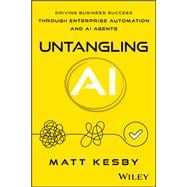
    Untangling AI Driving Business Success Through Enterprise Automation and AI Agents

    Untangling AI Driving Business Success Through Enterprise Automation and AI Agents

    by Knetbooks.com

    $39.76

    Check Price →

    3. Hyper-Automation AI and Business Processes – 1st Edition (eBook)

    Hyper-Automation  AI and Business Processes - 1st Edition (eBook)

    Hyper-Automation AI and Business Processes – 1st Edition (eBook)

    by VitalSource

    $54.99

    Check Price →

  • How To Set Up Automated Workflows With Python

    How To Set Up Automated Workflows With Python

    Imagine sitting down at your desk on a Monday morning, opening your laptop, and realizing that all the tedious, repetitive tasks you hated doing on Friday afternoon have already been finished. No manual data entry, no downloading CSVs from emails, and no renaming hundreds of files. This isn’t a fantasy; it is simply what happens when you stop acting like a human router and start using Python to handle the heavy lifting.

    Automated Research Workflows for Accelerated Discovery (eBook)

    Automation is often painted as something reserved for high-level engineers building complex neural networks. In reality, most useful automation involves simple scripts that connect two or more existing tools. If you can write a basic loop and call an API, you can reclaim hours of your week. This guide will walk you through the practical steps of building these systems from the ground and managing them so they run while you sleep.

    Identify your candidates for automation

    Before you write a single line of code, you need to find the right targets. Not every task deserves a script. If a task takes you five minutes once a month, the time spent debugging a Python script might actually cost you more than just doing the task manually. You are looking for tasks that meet the “Three Rs”: Repetitive, Rule-based, and Relentless.

    Look for workflows that involve:

    • Moving data between spreadsheets or databases.
    • Scraping information from websites to track prices or news.
    • Renaming, sorting, or compressing large batches of files.
    • Sending notifications based on specific triggers (like an email alert when a stock hits a certain price).

    Start small. Your first goal shouldn’t be to automate your entire department. Instead, try to automate one single, annoying task, like downloading a daily report. Once that works reliably, you can start chaining scripts together to create a full workflow.

    The essential toolkit for Python automation

    Python has a massive library ecosystem, which means you rarely have to write complex logic from scratch. Depending on what you want to automate, you will likely rely on a few specific libraries.

    Interacting with web data

    If your workflow involves the internet, requests is your best friend. It allows you to send HTTP requests to APIs or websites to retrieve data. If the data you need isn’t available via an API and you have to scrape a webpage, BeautifulSoup or Selenium are the industry standards. Selenium is particularly useful when you need to interact with buttons, forms, or JavaScript-heavy sites that behave like a real browser.

    Handling files and spreadsheets

    Most business automation revolves around Excel or CSV files. The pandas library is the gold standard here. It allows you to manipulate massive datasets with just a few lines of code, performing operations like filtering, merging, and aggregating data that would take hours in a standard spreadsheet. For simpler tasks like moving files around your operating system, the built-in os and shutil modules are all you need.

    Connecting to databases and APIs

    To make a workflow truly automated, it needs to talk to other services. Whether you are pushing data to a PostgreSQL database using psycopg2 or sending a message to a Slack channel via a webhook, knowing how to handle JSON and authentication is critical. Most modern tools offer REST APIs, which are incredibly easy to interact with using Python.

    Building your first automated pipeline

    A workflow is essentially a pipeline: Input $\rightarrow$ Transformation $\rightarrow$ Output. To build one, you should follow a structured approach to avoid creating “spaghetti code” that breaks the moment a website changes its layout.

    1. Define the trigger: Decide what starts the process. Is it a specific time of day? Is it a new file appearing in a folder? Or is it an incoming email?
    2. 맹2. Extract the data: Write the code to fetch your raw material. This might be an API call, a database query, or a web scrape.

    3. Process the information: This is where your logic lives. Clean the data, calculate totals, or format the text.
    4. Load the result: Send the processed data to its final destination, such as an updated Google Sheet, a database, or a PDF report.

    Keep your logic modular. Instead of writing one giant script, write small functions that do one thing well. This makes it much easier to test each part of your pipeline individually. If your data extraction fails, you’ll know exactly where the break occurred without having to hunt through 500 lines of code.

    Scheduling your scripts to run autonomously

    A script sitting on your desktop isn’t an automated workflow; it’s just a tool waiting to be used. To achieve true automation, you need a way to trigger your code without manual intervention. This is where task schedulers come in.

    If you are working on a local machine, you can use Cron on macOS/Linux or Task Scheduler on Windows. These tools allow you to tell your computer, “Run this Python script every morning at 8:00 AM.” It is simple, reliable, and requires no extra infrastructure.

    For more professional or scalable setups, consider cloud-based options:

    • GitHub Actions: Great for workflows that involve code or data stored in repositories.
    • AWS Lambda: A “serverless” approach where your code only runs when triggered by an event, like a file upload to an S3 bucket.
    • Google Cloud Functions: Similar to AWS, perfect if your workflow is already integrated with Google Workspace.

    The goal is to move your script from your personal computer to a place where it can run 24/7 without you needing to keep your laptop open.

    Handling errors and maintaining stability

    The biggest mistake beginners make is assuming everything will always work. APIs go down, internet connections flicker, and file formats change. If your script doesn’t have error handling, it will simply crash, and you won’t know the task failed until you realize a report is missing.

    Use try-except blocks to catch common errors. For example, if a network request fails, you can program the script to wait for 60 seconds and try again rather than just quitting. Additionally, implement a logging system. Instead of using print statements, use Python’s logging module to write errors to a file. This way, you can check the logs at the end of the week to see if any silent failures occurred.

    Setting up automated alerts is the final piece of the puzzle. Use a simple script to send yourself a notification via Telegram, Slack, or email whenever a critical error is caught. This transforms your automation from a “black box” into a reliable system you can trust.

    Ready to stop doing the busy work? Pick one repetitive task today and start mapping out the logic. You don’t need to be a software engineer to start building; you just need to be willing to experiment.

    Our Top Picks

    Products we recommend:

    1. Automated Research Workflows for Accelerated Discovery (eBook)

    Automated Research Workflows for Accelerated Discovery (eBook)

    Automated Research Workflows for Accelerated Discovery (eBook)

    by VitalSource

    $16.00

    Check Price →

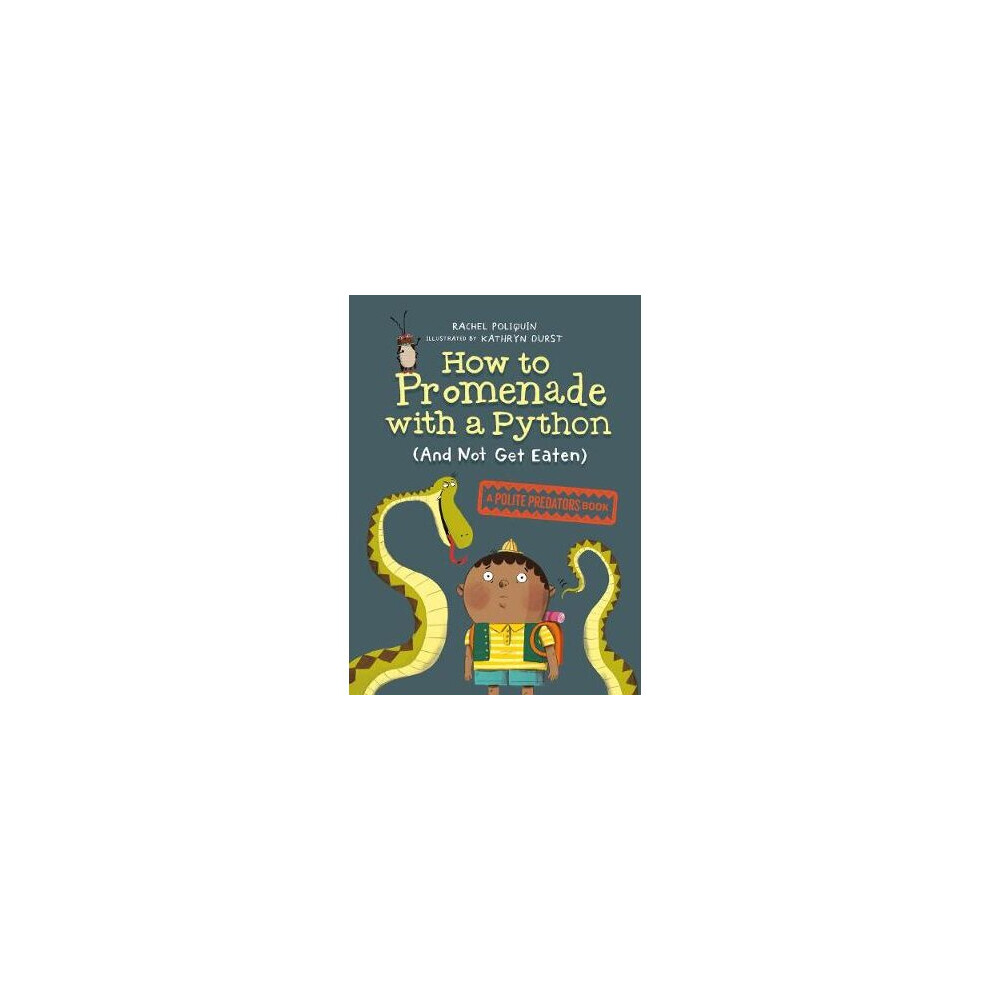
    2. How To Promenade With A Python (and Not Get Eaten)

    How To Promenade With A Python (and Not Get Eaten)

    How To Promenade With A Python (and Not Get Eaten)

    by OnBuy.com

    $10.90

    Check Price →

    3. How to Set Up Information Systems

    How to Set Up Information Systems

    How to Set Up Information Systems

    by Knetbooks.com

    $77.48

    Check Price →

  • Identity Theft Protection Services Ranked By Value

    Identity Theft Protection Services Ranked By Value

    I remember the sinking feeling in my stomach when I got an alert about a suspicious transaction on my credit card from a state I’d never even visited. It wasn’t a huge charge, but that tiny crack in my security made me realize how vulnerable I actually was. Most of us assume we’re too boring to be targets, but identity thieves don’t care about your lifestyle; they just want your Social Security number.

    Identity Protection Roller Coding Pen Identity Intercept's Identity Theft Protec

    Finding a way to sleep better at night usually means looking into identity theft protection services. However, the market is flooded with companies promising to save you, often at a premium price. Instead of looking at the flashy advertisements, I decided to compare the actual utility of these services against what they cost. If you are looking for coverage that stays under $20 a month, you have plenty of options, but you need to know which ones actually provide value versus just sending you useless email alerts.

    What are you actually paying for?

    Before we get into the rankings, let’s clear up a common misconception. A subscription to an identity theft service is not a magic shield that prevents hackers from stealing your data. Instead, think of it as a high-tech alarm system and a specialized legal team. Most services offer three core components:

    • Monitoring: Scanning the dark web, credit bureaus, and public records for your personal information.
    • ble>Alerting: Notifying you the moment a change is detected, such as a new credit inquiry or a new address associated with your name.

    • Restoration: This is the most critical part. If your identity is stolen, the service provides experts to help you clear your name, fix your credit, and deal with the paperwork.

    Without the restoration piece, you’re basically just paying to be the first person to know you’ve been robbed. That is where the real value lies.

    The Best Value Identity Theft Services Ranked

    I’ve categorized these based on how much “bang for your buck” you get. We are looking at the balance between monitoring depth and the quality of the recovery support.

    1. Aura: The All-in-One Winner

    Aura takes the top spot because it consolidates several different security needs into one monthly bill. While some people might find the feature list overwhelming, the value is undeniable if you also need VPN services or antivirus software. It covers everything from credit monitoring to even some family protection features.

    The pricing is slightly higher than the bare-bones options, but since it replaces multiple subscriptions, it often ends up being cheaper than buying standalone tools. You can find plans that stay well under $25 per month depending on the level of coverage you choose.

    2. Experian IdentityWorks: The Credit Specialist

    Since Experian is one of the three major credit bureaus, they have a natural advantage. Their monitoring is incredibly deep because they are looking at the source of the data. If a new line of credit is opened in your name, they are often the first to know.

    This is a great choice if you want a service that focuses heavily on the financial aspect of identity theft. It is particularly useful for people who have complex credit profiles or are planning to apply for a mortgage soon and need to ensure their credit report is pristine.

    3. LifeLock: The Industry Standard

    LifeLock is the name everyone knows. They have a massive infrastructure and a very high reputation for their restoration services. However, they are often the most expensive option on this list. You are paying a premium for their brand recognition and their massive scale.

    If you have a high net worth or a particularly complicated financial life, the extra cost might be worth the peace of’mind. But for a student or a single professional, you might find yourself paying for features you’ll never use.

    4. Norton LifeLock: The Budget-Friendly Security Combo

    If you already use Norton for antivirus, adding their identity protection is often the most cost-effective move. It is frequently bundled with other security software, making it easy to manage. It provides solid monitoring and decent alerts without the heavy price tag of the top-tier premium services.

    Cost Comparison at a Glance

    To help you decide, I put together a quick breakdown of the monthly costs and what you can expect to find in terms of pricing structures. Note that many of these companies offer significant discounts if you pay for a full year upfront.

    Service Provider Estimated Monthly Cost Best For Key Feature
    Aura $12 – $25 Comprehensive Protection Includes VPN & Antivirus
    Experian IdentityWorks $10 – $20 Credit Accuracy Direct Bureau Access
    LifeLock $20 – $40 High-End Restoration Extensive Recovery Support
    Norton LifeLock Under $15 Budget/Bundled Use Integrated with Antivirus

    When you compare these prices, remember to look for any hidden costs. Some companies might offer a low introductory rate that jumps significantly after the first 12 months. Always check the fine print for renewal rates.

    What to look for in a contract

    I’ve seen people get frustrated because they thought they were covered for everything, only to realize their policy had specific exclusions. When reviewing a plan, keep an eye on these specific details:

    1. The Restoration Limit: Does the company provide a set number of hours for professional help? Some services only offer 10 or 20 hours of assistance. If your identity theft involves multiple accounts, you might blow through that in a single weekend.
    2. Insurance Coverage: Look for “Identity Theft Insurance.” This is different from restoration. Insurance helps cover out-of-pocket expenses like legal fees, lost wages, or even lost notary fees. Some plans offer up to $1 million in coverage, while others offer much less.
    3. No annual fee requirements: Some services try to sneak in annual administrative fees or “maintenance” charges. I prefer services with no annual fee surprises so I can budget accurately.

    Understanding the Risks of “Free” Monitoring

    You might see apps or websites offering free credit monitoring. While these are great for a quick check, they rarely include the restoration services mentioned earlier. They will tell you that your credit score dropped, but they won’t help you fix it. For that, you need a paid service with a dedicated team of investigators.

    Final Thoughts on Protecting Your Digital Self

    Deciding on a service comes down to your personal risk tolerance. If you have a simple financial life, a budget-friendly option like Norton or a specialized one like Experian might be all you need. If you manage multiple properties, businesses, or large investment portfolios, the heavy-duty protection of Aura or LifeLock is a much smarter investment.

    Don’t wait until you see a fraudulent charge on your statement to start looking. Take an hour this week to review your current subscriptions, see if you can bundle your security, and pick a plan that fits your budget. The goal isn’t to be perfect; it’s to be prepared.

    Ready to secure your digital footprint? Start by checking your current credit reports for free at AnnualCreditReport.com, then choose a protection plan from our ranked list that fits your monthly budget.

    Our Top Picks

    Products we recommend:

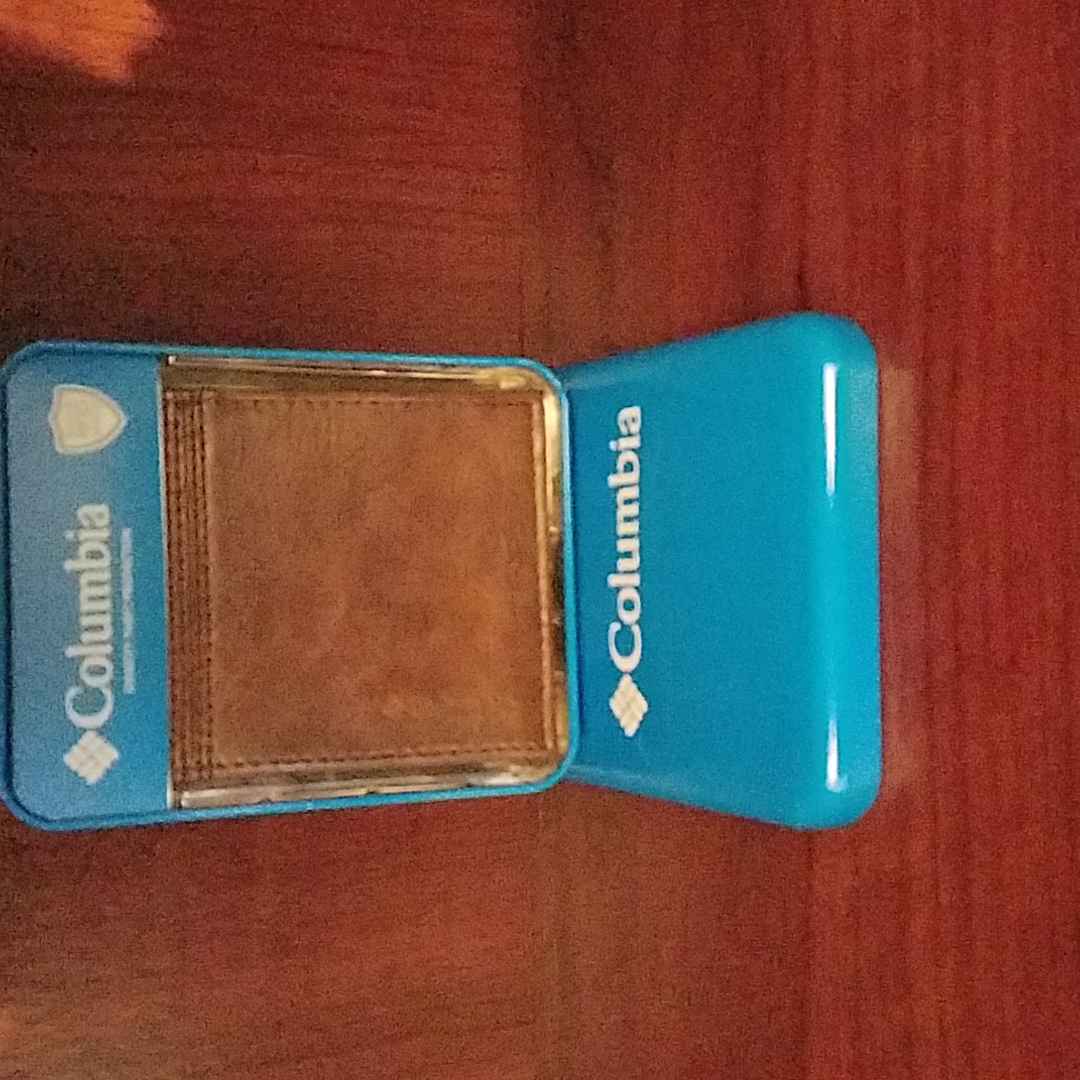
    1. Identity Theft Protection Wallet

    Identity Theft Protection Wallet

    Identity Theft Protection Wallet

    by Poshmark

    $24.00

    Check Price →

    2. Rolling Identity Theft Guard Stamp Protection Secure Identity Theft Protection for Information

    Rolling Identity Theft Guard Stamp Protection Secure Identity Theft Protection for Information

    Rolling Identity Theft Guard Stamp Protection Secure Identity Theft Protection for Information

    by OnBuy.com

    $8.59

    Check Price →

    3. Identity Theft Protection Rotanti Privacy

    Identity Theft Protection Rotanti Privacy

    Identity Theft Protection Rotanti Privacy

    by OnBuy EU

    $8.57

    Check Price →

  • Top 5 Cloud Storage (2026 Buyer’s Guide)

    Top 5 Cloud Storage (2026 Buyer’s Guide)

    Quick Comparison

    Product Brand Price Link
    Cloud Storage Ottoman Wayfair North America $217.99 Check Price
    Cloud Storage Forensics Knetbooks.com $69.53 Check Price
    Cloud Storage Forensics (eBook) VitalSource $1311.23 Check Price
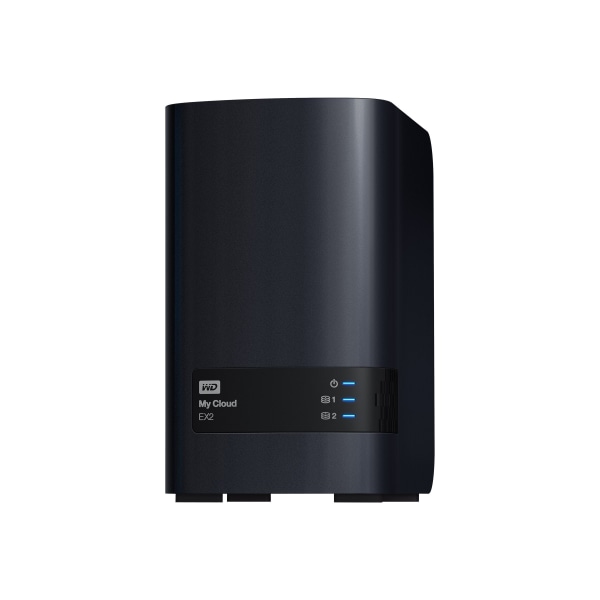
    WD My Cloud EX2 Personal Cloud Storage, Diskless Office Depot and OfficeMax $232.99 Check Price
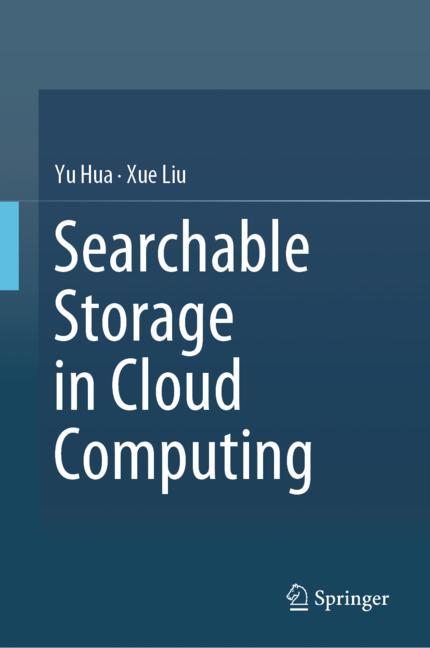
    Searchable Storage in Cloud Computing SpringerLink Shop INT $106.99 Check Price

    In an era defined by digital transformation and physical clutter management, the term “cloud storage” has taken on a dual meaning. Whether you are looking to secure your digital assets, master the complexities of cybersecurity forensics, or simply find a stylish way to hide blankets in your living room, choosing the right storage solution is critical. The “best cloud storage” isn’t a one-size-fits-all answer; it depends entirely on whether your needs are digital, academic, or interior design-oriented.

    When searching for the top cloud storage 2026 solutions, you must evaluate several key factors: accessibility, security, capacity, and physical utility. For digital professionals, security and data integrity are paramount. For homeowners, the focus shifts to aesthetics and multi-functional utility. This guide is designed to help a diverse range of users—from IT specialists and students to home decorators—handle the confusing landscape of storage options to determine which cloud storage to buy for their specific lifestyle.

    In this comprehensive cloud storage review, we will break down everything from hardware-based personal clouds and specialized forensic textbooks to even the most literal interpretation of a “cloud” ottoman. By the end of this article, you will have a clear understanding of the pricing, pros, and cons of each featured product, ensuring you make an informed investment.

    Product Price Best For Rating
    Cloud Storage Ottoman by Wayfair $217.99 Home Decor 4.5/5
    Cloud Storage Forensics by Knetbooks $69.53 Cybersecurity Students 4.8/5
    Cloud Storage Forensics (eBook) $1311.23 Academic Researchers 4.2/5
    WD My Cloud EX2 Personal Cloud $232.99 Small Office/Home Server 4.6/5
    Searchable Storage in Cloud Computing $106.99 Data Scientists 4.4/5

    Cloud Storage Forensics (Knetbooks) vs. Cloud Storage Forensics (VitalSource): Which Is Better?

    If you are entering the field of digital investigations, you may find yourself torn between these two educational resources. The primary difference lies in the format and the depth of the investment. The Knetbooks version is a highly accessible, budget-friendly option ($69.53) perfect for undergraduate students or those needing a quick reference guide for fundamental concepts. It is designed for ease of use and rapid learning.

    On the other hand, the VitalSource eBook ($1311.23) represents a massive, premium academic investment. This is not just a study guide; it is a comprehensive, deep-dive resource intended for high-level researchers or institutional libraries. While the Knetbooks version is the winner for value and accessibility, the VitalSource version is the superior choice for those requiring an exhaustive, authoritative library of forensic data. If you are wondering which cloud storage to buy for your studies, start with Knetbooks unless you have a dedicated research budget.

    Cloud Storage Ottoman by Wayfair North America

    Bringing a literal touch of the “cloud” to your living space, this ottoman is a masterclass in multifunctional furniture. It features a soft, cloud-like aesthetic that fits perfectly in modern, minimalist, or bohemian interiors. Beyond its beauty, the built-in storage compartment provides a hidden sanctuary for extra pillows, blankets, or even small tech accessories. The build quality is sturdy enough to serve as extra seating while maintaining its plush, comfortable texture.

    Cloud Storage Ottoman

    Cloud Storage Ottoman

    by Wayfair North America

    $217.99

    Check Price →

    Best for: Home decorators and individuals looking to declutter living spaces.

    Pros

    • Stylish, modern design
    • High-capacity hidden storage
    • Versatile use as seating or footrest

    Cons

    • Limited weight capacity for heavy objects
    • Fabric may require specific cleaning instructions

    Cloud Storage Forensics by Knetbooks.com

    For those navigating the complex world of cybersecurity, this resource is an essential toolkit. It provides a streamlined approach to understanding how data is retrieved and analyzed within cloud environments. The content is structured logically, making it easy to navigate during intense study sessions. At its price point, it offers incredible value for anyone looking to enter the forensics industry without breaking the bank.

    Cloud Storage Forensics

    Cloud Storage Forensics

    by Knetbooks.com

    $69.53

    Check Price →

    Best for: Cybersecurity students and entry-level IT professionals.

    Pros

    • Affordable pricing
    • Easy-to-follow instructional flow
    • Great for quick concept reviews

    Cons

    • May lack the depth for advanced experts
    • Primarily focused on foundational knowledge

    Cloud Storage Forensics (eBook) by VitalSource

    This is the “gold standard” for high-level digital investigation research. This eBook is an expansive, deep-dive repository of information that covers the most granular aspects of cloud-based evidence. While the price tag is significantly higher than other options, the sheer volume of specialized knowledge contained within makes it an indispensable asset for professional investigators. It is a premium, heavy-duty academic resource.

    Cloud Storage Forensics (eBook)

    Cloud Storage Forensics (eBook)

    by VitalSource

    $1311.23

    Check Price →

    Best for: Professional forensic investigators and academic institutions.

    Pros

    • Extremely comprehensive content
    • Authoritative and highly detailed
    • Essential for high-level research

    Cons

    • Very high price point
    • May be overwhelming for beginners

    WD My Cloud EX2 Personal Cloud Storage, Diskless by Office Depot and OfficeMax

    If you are searching for the best cloud storage hardware for your home or small office, the WD My Cloud EX2 is a top contender. This device acts as your very own private cloud, allowing you to access files from anywhere in the world. Because it is sold diskless, it offers the flexibility to install your own high-capacity hard drives, making it a highly customizable solution. The build quality is robust, and the integration with various devices is seamless.

    WD My Cloud EX2 Personal Cloud Storage, Diskless

    WD My Cloud EX2 Personal Cloud Storage, Diskless

    by Office Depot and OfficeMax

    $232.99

    Check Price →

    Best for: Small business owners and power users needing private data access.

    Pros

    • Highly customizable with your own drives
    • Easy remote access capabilities
    • Great for multi-user environments

    Cons

    • Requires separate purchase of hard drives
    • Initial setup can be technical

    Searchable Storage in Cloud Computing by SpringerLink Shop INT

    This publication is a deep look at the technical architecture of modern data retrieval. It focuses on the algorithms and structures that allow for efficient searching within massive, distributed datasets. It is an essential read for anyone involved in the backend development of cloud infrastructures. The academic rigor of the SpringerLink series ensures that the information is both accurate and cutting-edge.

    Searchable Storage in Cloud Computing

    Searchable Storage in Cloud Computing

    by SpringerLink Shop INT

    $106.99

    Check Price →

    Best for: Data scientists, software engineers, and computer science researchers.

    Pros

    • Deep technical insights
    • Focuses on future-proof technologies
    • Highly credible academic source

    Cons

    • Highly technical and difficult for laypeople
    • Niche subject matter

    How We Picked

    To create this top cloud storage 2026 guide, we utilized a multi-dimensional evaluation process. Since “cloud storage” can refer to physical furniture, digital hardware, or academic literature, we evaluated each product based on its specific category’s “success metrics.” For hardware (WD My Cloud), we looked at scalability and ease of use. For educational resources (Knetbooks, VitalSource, SpringerLink), we assessed depth of content and authority. For home goods (Wayfair), we prioritized aesthetic versatility and utility. Our goal was to ensure that regardless of your interpretation of “storage,” you found the highest quality option available.

    Frequently Asked Questions

    What is the difference between personal cloud storage and public cloud storage?

    Personal cloud storage, like the WD My Cloud EX2, involves hardware you own and manage, giving you total control over your data. Public cloud storage refers to services like Google Drive or Dropbox, where you rent space on servers owned by a third party.

    Is it worth buying a diskless cloud storage drive?

    Yes, if you want customization. Buying a diskless drive allows you to choose high-capacity or high-speed drives that fit your specific budget and performance needs, rather than being stuck with the pre-installed drives provided by manufacturers.

    How do I know which forensics textbook to choose?

    It depends on your current skill level. If you are a student just starting out, a more affordable resource like Knetbooks is ideal. If you are a professional conducting high-level investigations, the comprehensive VitalSource eBook is the better investment.

    Where to Buy / Best Deals

    Finding the best deals on these products requires looking at specific retailers. For the Cloud Storage Ottoman, check Wayfair North America for seasonal sales that can often drop the price below $200. The WD My Cloud EX2 is best purchased through Office Depot and OfficeMax, especially during office supply clearance events. For academic resources, Knetbooks and VitalSource offer digital versions that are much more cost-effective than physical textbooks. For technical literature, SpringerLink remains the primary and most reliable source. Always check for student discounts when purchasing educational materials!

    Final Verdict: If you are looking for the best overall value in terms of utility and versatility, the WD My Cloud EX2 is our top pick for digital storage, while the Cloud Storage Ottoman is the winner for physical organization.


  • Ai Automation Tools That Replace Manual Business Tasks

    Ai Automation Tools That Replace Manual Business Tasks

    If you’ve ever spent three hours copying data from a PDF into an Excel spreadsheet, or manually replying to the same five customer questions every single morning, you know the specific kind of exhaustion that comes from repetitive work. It’s not hard work; it’s just mindless work. The good news is that you don’t need to hire a massive team to get rid of these chores. You just need the right software to do the heavy lifting for you.

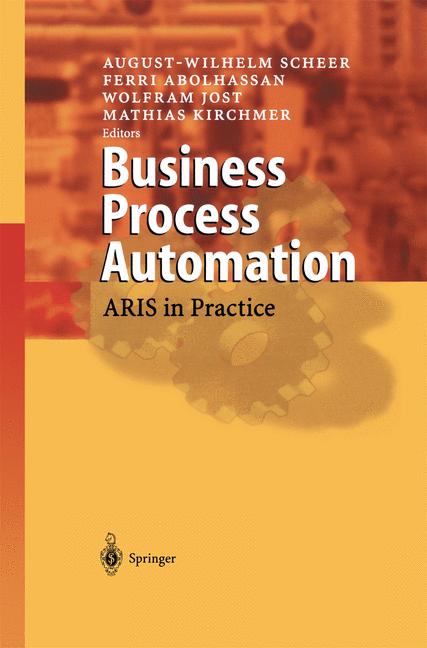
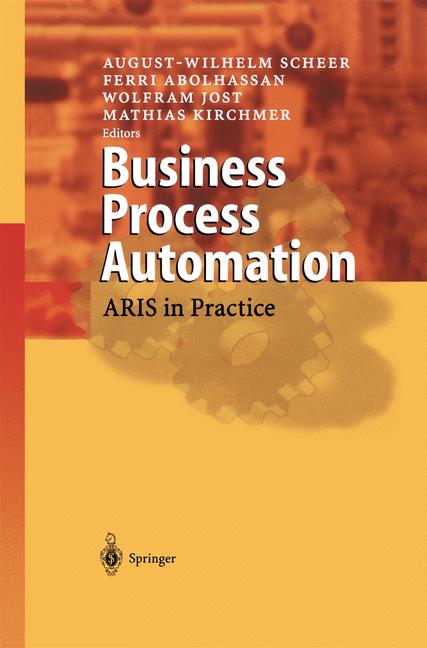
    Business Process Automation

    We are currently in a period where “automation” isn’t just for big corporations with massive IT budgets. Small business owners and freelancers can now use AI to handle everything from scheduling meetings to managing complex workflows. This guide breaks down the best tools available right now to help you reclaim your time.

    Automating your repetitive workflow and data movement

    The most common way businesses waste time is through “glue work”—the manual task of moving information from one app to another. You get an email, so you create a task in Trello. A customer pays via Stripe, so you send a manual invoice via QuickBooks. This is where integration tools shine.

    Zapier: The industry standard for connecting apps

    Zapier acts as a middleman between thousands of different web applications. It listens for a “trigger” (like a new lead in a Facebook Ad) and performs an “action” (like adding that lead to your Mailchimp list). It is incredibly reliable because it has built-in logic to handle errors.

    • Best for: Connecting disparate apps without writing any code.
    • Key Feature: “Zaps” can include conditional logic (if this happens, do X; if that happens, do Y).
    • built-in AI features that allow you to describe your automation in plain English.

    Make (formerly Integromat): For complex, multi-step logic

    If you find Zapier a bit too simple or expensive, Make is the logical next step. It offers a much more visual way to build workflows. You can see your data flowing through various modules, which makes debugging much easier when things go wrong. It handles much more complex data transformations than Zapier does.

    When comparing Zapier vs Make, the decision usually comes down to ease of use versus granular control. Zapier is easier to learn, but Make allows for much more intricate branching and data manipulation.

    Tool Comparison: Workflow Automation

    Tool Best Use Case Pricing Structure Free Trial Availability
    Zapier Simple, quick connections Free tier; Paid plans start around $20/mo No trial, but has a permanent free version
    Make Complex, data-heavy workflows Free tier; Paid plans start around $9/mo Yes, robust free tier available
    Bardeen Browser-based automation Free tier; Pro plans available Yes, free to use

    Handling customer inquiries and communication

    Customer support can quickly become a bottleneck. If you are manually answering “What are your hours?” or “Where is my order?” fifty times a week, you are essentially acting as a human chatbot. AI-driven communication tools can handle these low-level queries, leaving you to deal with the actual problems that require human empathy.

    Intercom: AI-powered customer service

    Intercom has moved far beyond simple live chat. Their “Fin” AI agent uses your existing help center articles to answer customer questions instantly. It doesn’t just guess; it looks at your specific documentation to provide accurate responses. This significantly reduces the number of tickets that actually reach a human agent.

    Chatbase: Build your own custom chatbot

    If you want something more specialized, Chatbase allows you to upload your PDFs, doc files, or website URLs to create a chatbot that knows everything about your business. You can embed this directly onto your site. It’s a fantastic way to provide instant support without the high cost of a full-scale support platform.

    • Customization: You can train it on your specific brand voice.
    • Deployment: Works via an embeddable widget or an API.
    • Cost: Pricing varies based on the number of messages processed per month.

    Streamlining content creation and documentation

    Writing documentation, blog posts, or even social media captions is a massive time sink. While you shouldn’t let AI write your entire brand identity, you can use it to handle the first, most difficult stage: the blank page.

    Jasper: High-level marketing copywriting

    Jasper is designed specifically for marketing teams. Unlike a general-purpose chatbot, Jasper understands marketing frameworks like AIDA (Attention, Interest, Desire, Action). It can help you generate long-form blog posts, email subject lines, and even product descriptions that stay on-brand.

    Otter.ai: Turning meetings into actionable notes

    Stop trying to take notes during Zoom calls. Otter.ai joins your meetings, records the audio, and provides a real-time transcript. More importantly, it generates a summary of the key points and action items. This means you can actually participate in the conversation instead of frantically typing.

    Checking the pricing for Otter.ai is a good idea if you have a large team, as their business plans include much more advanced features like meeting summaries and searchable archives.

    How to start automating without getting overwhelmed

    The biggest mistake people make is trying to automate everything at once. This leads to “automation debt,” where you spend more time fixing broken bots than actually working. Instead, follow this simple three-step approach:

    1. Audit your week: Keep a log for five days. Every time you do a task that feels repetitive, write it down.
    2. Identify the “low-hanging fruit”: Look for tasks that are high-frequency but low-complexity. Moving data or answering FAQs are perfect candidates.
    3. Test with a free trial: Before committing to a monthly subscription, use the free trial or free tier of a tool to see if it actually integrates with your current setup.

    Automation isn’t about replacing yourself; it’s about removing the parts of your job that don’t require your unique expertise. By handing off the mundane tasks to these tools, you free up space for the strategic work that actually grows your business.

    Ready to reclaim your schedule? Pick one task from your audit list today and find a tool to automate it. Your future, less-stressed self will thank you.

    Our Top Picks

    Products we recommend:

    1. Hyper-Automation AI And Business Processes

    Hyper-Automation AI And Business Processes

    Hyper-Automation AI And Business Processes

    by Routledge

    $190.00

    Check Price →

    2. Untangling AI Driving Business Success Through Enterprise Automation and AI Agents

    Untangling AI Driving Business Success Through Enterprise Automation and AI Agents

    Untangling AI Driving Business Success Through Enterprise Automation and AI Agents

    by Knetbooks.com

    $39.76

    Check Price →

    3. Hyper-Automation AI and Business Processes – 1st Edition (eBook)

    Hyper-Automation  AI and Business Processes - 1st Edition (eBook)

    Hyper-Automation AI and Business Processes – 1st Edition (eBook)

    by VitalSource

    $1162.02

    Check Price →

  • Personalized Guest Book Ideas For Baby Showers

    Personalized Guest Book Ideas For Baby Showers

    We’ve all been there. You’re at a beautiful baby shower, surrounded by balloons, tiny outfits, and enough snacks to feed a small village. You take a moment to sign the guest book, only to realize that in two years, that flimsy piece of cardstock will be tucked away in a junk drawer, forgotten alongside old receipts and expired coupons. A guest book shouldn’t just be a list of names; it should be a keepsake that the parents can pull out during those late-night feedings when they need a little reminder of how much this new human is already loved.

    TEMU Personalized Baby Shower Guest Book, 100 Pages Blank Paper, Baby Shower Gue

    Finding a way to capture memories that feels personal can be tricky. You want something that matches the theme of the shower but also serves a functional purpose long after the cake is eaten. Whether you are the host looking to set up a meaningful station or a guest searching for a thoughtful gift, I’ve gathered some of the most popular ways to move beyond the traditional notebook.

    Creative Alternatives to the Traditional Guest Book

    If you want to avoid the standard lined notebook, you have a world of tactile, decorative options at your fingertips. These ideas work best when they double as nursery decor, ensuring the sentiment stays front and center in the baby’s room.

    Customized Wooden Keepsake Blocks

    Wooden blocks are a classic for a reason. They are sturdy, timeless, and incredibly easy to display on a nursery shelf. You can find sets where guests sign individual blocks, which can later be used as part of a building toy or simply stacked as a decorative piece.

    • Price Range: $30 – $60
    • Best For: Minimalist parents or those planning a woodland/nature-themed nursery.
    • Pro Tip: Use fine-tip permanent markers to prevent smudging on the wood grain.

    The Storybook Signature

    Instead of a blank book, choose a classic piece of children’s literature. Books like “The Very Hungry Caterpillar” or “Guess How Much I Love You” provide a beautiful canvas. Guests can write their well-wishes on the inside covers or even on the flyleaf pages.

    • Price Range: $10 – $25
    • Best For: Budget-conscious planners or anyone looking for an under $25 option that feels high-end.
    • Pro Tip: This is a top rated idea for siblings, as older children can participate by drawing small pictures near their names.

    Hand-Painted Picture Frames

    A large matted frame is a brilliant way to capture messages. The wide white border (the matting) provides plenty of space for friends and family to write short notes, while the center can hold a sonogram photo or a photo from the shower itself.

    • Price Range: $20 – $45
    • Best For: Parents who love photography and want a piece of art for their walls.

    Interactive Stations for a Memorable Event

    Sometimes the best guest books are the ones that involve an activity. These ideas turn the “signing” process into a fun part of the shower entertainment, which helps break the ice among guests who might not know each other.

    Message in a Bottle

    This is a whimsical idea that works perfectly for summer or beach-themed showers. Set up a beautiful glass bottle alongside small slips of paper. Guests write “messages for the future” and drop them inside. The parents can then open the bottle on the child’s first birthday or even their eighteenth birthday.

    • Price Range: $15 – $30
    • Best For: Adventurous parents who love a bit of sentimentality and “time capsule” style gifts.

    Advice for the Parents Jar

    While not strictly a “book,” an advice jar is a way to collect wisdom. You can provide prompts like “What is your #1 sleep tip?” or “What is a funny memory of the parents-to-be?” This turns the guest book into a functional guide for the new parents.

    1. Provide colorful slips of paper.
    2. Include a few pens that won’t leak.
    3. Use a decorative mason jar or a ceramic vessel.

    Thumbprint Tree Art

    This is a highly visual option. You print a drawing of a bare tree on high-quality cardstock, and guests use ink pads to add “leaves” using their fingerprints. It results in a colorful, abstract piece of art that looks stunning in a nursery.

    • Price Range: $15 – $35
    • Best For: Large showers with many guests, as it’s a quick and easy way for everyone to contribute.

    Choosing the Right Idea Based on Your Role

    Deciding which direction to go depends heavily on whether you are the one organizing the event or a guest looking to contribute something special.

    If You Are the Host

    As the host, your goal is to make the process easy for guests. If you choose a complex idea, like the thumbprint tree, make sure you provide plenty of wet wipes to clean fingers afterward. If you are on a tight budget, the under $25 book idea is your best friend. It’s low-stress, easy to set up, and focuses on the sentiment rather than the logistics.

    If You Are a Guest

    If you want to bring a personalized guest book as a gift, think about the parents’ existing decor. If they have a very modern, sleek home, avoid the rustic wooden blocks. If they are sentimentalists, the “Message in a Bottle” or a personalized storybook will likely move them to tears. Always check if the parents have a specific theme in mind before purchasing something large like a frame.

    Quick Summary of Ideas

  • Frame
  • Idea Vibe Price Level
    Wooden Blocks Rustic/Classic $$
    Storybook Whimsical/Budget $
    Artistic/Modern $$
    Advice Jar Interactive/Fun $

    Whether it’s a collection of fingerprints or a jar full of parenting tips, the real value lies in the love expressed by everyone in the room. When the dust settles and the baby arrives, these small tokens of affection will become some of the most cherished items in the nursery.

    Are you planning a baby shower right now? Start browsing unique stationery and keepsake supplies to ensure your event leaves a lasting impression. Don’t forget to pick up some high-quality pens to make sure every message stays legible for years to come!

    Our Top Picks

    Products we recommend:

    1. TEMU Personalized Baby Shower Guest Book, 100 Pages Blank Paper, Baby Shower Guest Gifts, Gifts, Baby Shower Ideas

    TEMU Personalized Baby Shower Guest Book, 100 Pages Blank Paper, Baby Shower Guest Gifts, Gifts, Baby Shower Ideas

    TEMU Personalized Baby Shower Guest Book, 100 Pages Blank Paper, Baby Shower Guest Gifts, Gifts, Baby Shower Ideas

    by Temu Europe

    $256.00

    Check Price →

    2. wedding guest book for diy receptions baby showers birthdays events

    wedding guest book for diy receptions baby showers birthdays events

    wedding guest book for diy receptions baby showers birthdays events

    by OnBuy.com

    $16.30

    Check Price →

    3. 4Pcs Wedding Guest Book For Receptions Baby Showers Birthdays Events

    4Pcs Wedding Guest Book For Receptions Baby Showers Birthdays Events

    4Pcs Wedding Guest Book For Receptions Baby Showers Birthdays Events

    by OnBuy EU

    $90.30

    Check Price →

  • Top 5 Ai Writing Tools (2026 Buyer’s Guide)

    Top 5 Ai Writing Tools (2026 Buyer’s Guide)

    Quick Comparison

    Product Brand Price Link
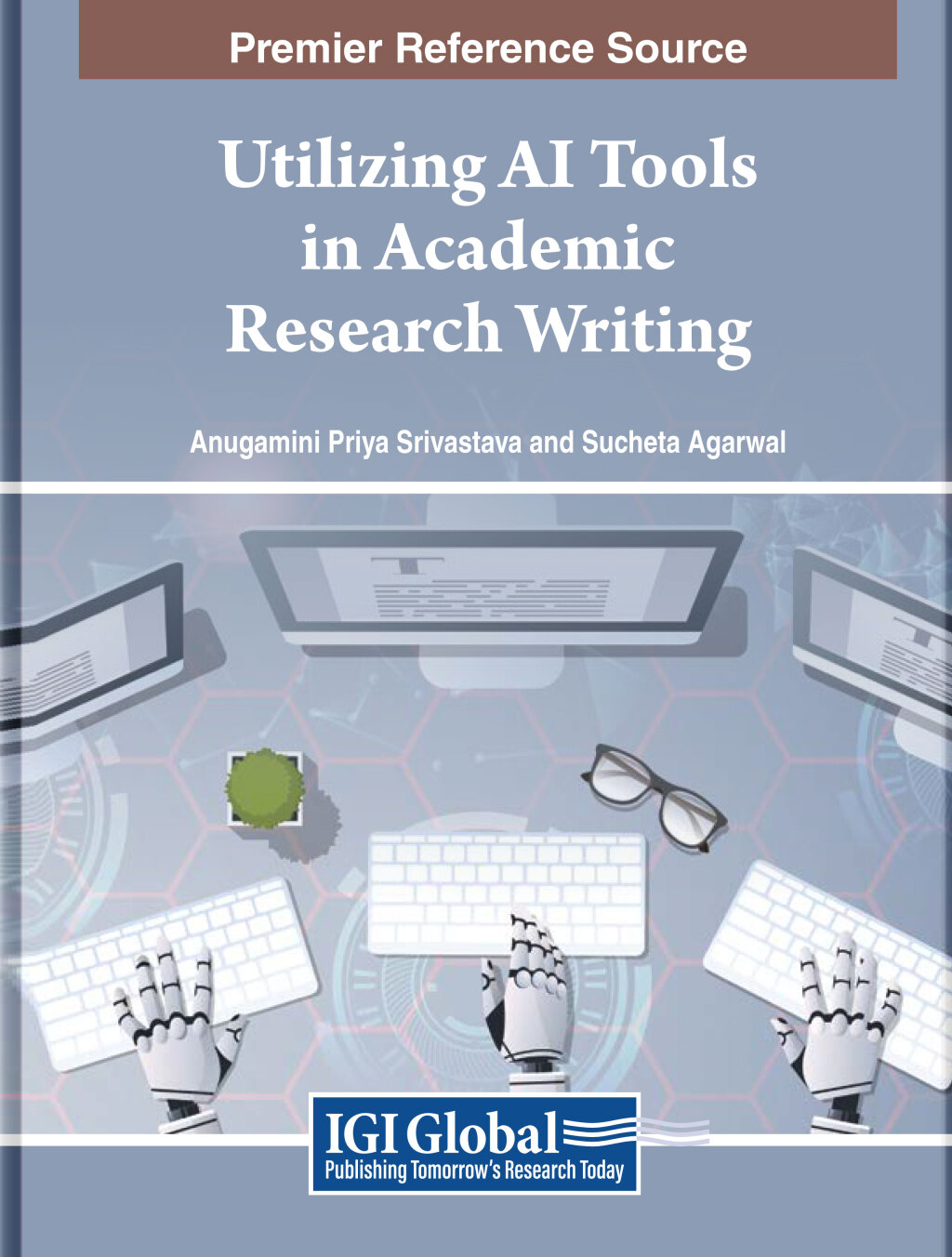
    Utilizing AI Tools in Academic Research Writing (eBook) VitalSource $210.91 Check Price
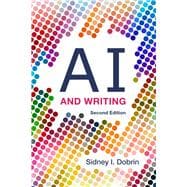
    AI and Writing Knetbooks.com $19.59 Check Price
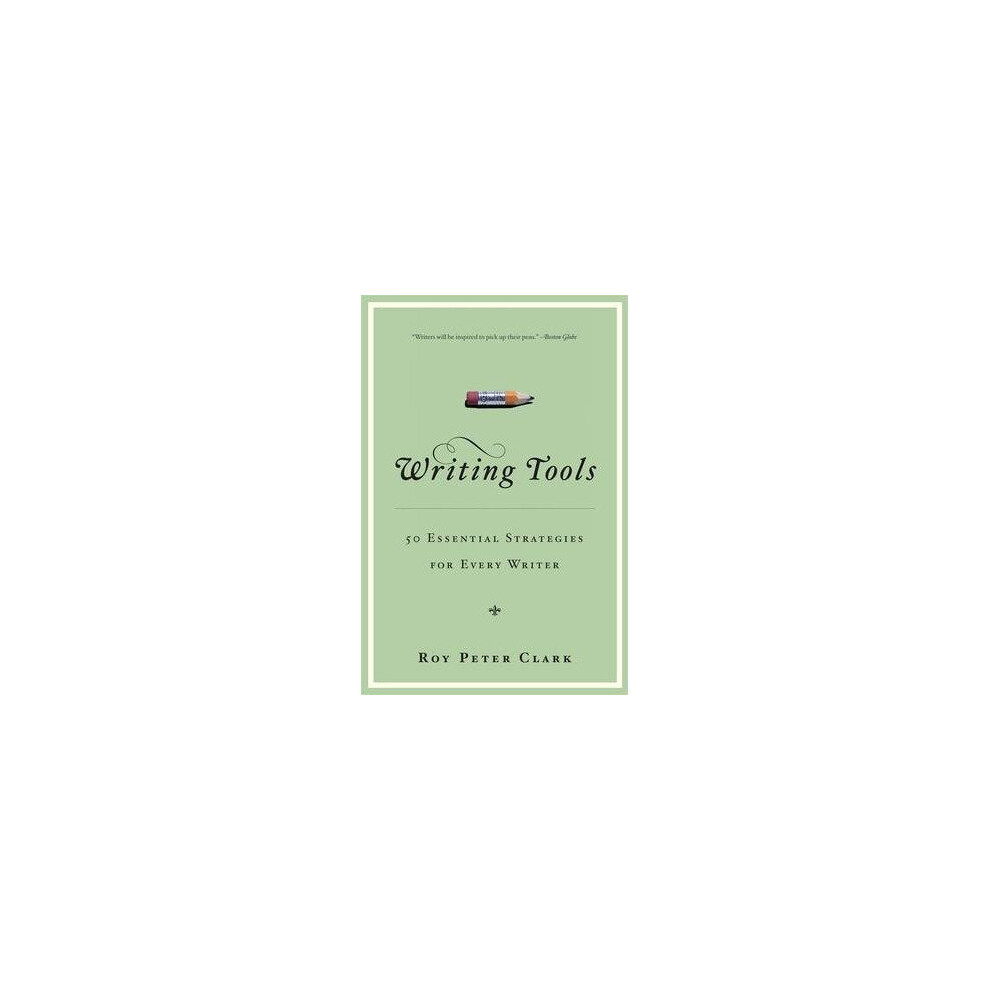
    Writing Tools OnBuy.com $12.63 Check Price
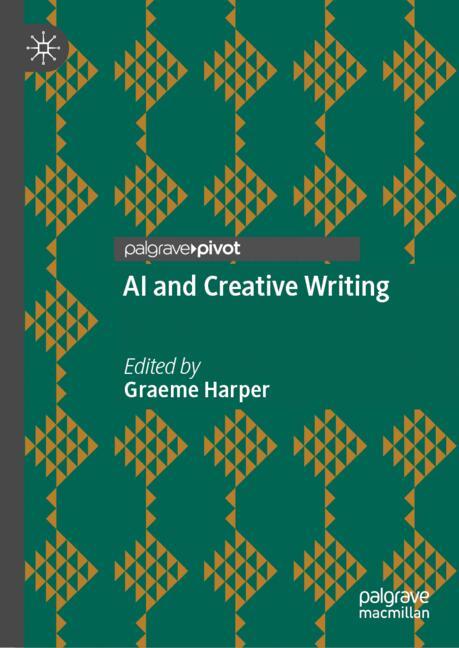
    AI and Creative Writing Springer Nature Author $27.99 Check Price
    AI and Creative Writing SpringerLink Shop INT $44.99 Check Price

    The landscape of content creation is shifting beneath our feet. As we move toward the mid-2020s, the question is no longer whether you should use artificial intelligence, but how effectively you can integrate it into your workflow. Whether you are an academic researcher, a novelist, or a marketing professional, finding the best AI writing tools can be the difference between a streamlined, high-quality output and a cluttered, unoriginal mess. Choosing the right resources matters because the “tool” isn’t just software; it is the methodology and the knowledge of how to prompt, edit, and ethically implement these technologies.

    When searching for the top AI writing tools 2026, you should look for more than just a subscription to a chatbot. You should look for comprehensive guides, educational eBooks, and structured methodologies that teach you how to maintain your unique voice while leveraging machine efficiency. A great tool should enhance your creativity, not replace it, and provide a framework for accuracy, citation, and stylistic integrity.

    This guide is designed for students, academics, and creative writers who are looking to bridge the gap between traditional literacy and the new era of generative intelligence. We have reviewed a variety of instructional resources and eBooks—ranging from budget-friendly guides to premium academic deep-dives—to help you decide which AI writing tools to buy based on your specific professional or educational needs.

    AI Writing Resources Comparison

    Product Price Best For Rating
    Utilizing AI Tools in Academic Research Writing $210.91 Advanced Researchers 4.9/5
    AI and Writing (Knetbooks) $19.59 Students on a Budget 4.5/5
    Writing Tools (OnBuy) $12.63 General Writing Basics 4.2/5
    AI and Creative Writing (Springer Nature) $27.99 Fiction Authors 4.7/5
    AI and Creative Writing (SpringerLink) $44.99 Professional Authors 4.6/5

    AI and Creative Writing (Springer Nature) vs. AI and Creative Writing (SpringerLink Shop INT): Which Is Better?

    If you are a novelist or a screenwriter, you will likely encounter two very similar-sounding titles from the Springer ecosystem. The primary difference between these two products lies in the depth of the academic framework and the intended audience. The “Springer Nature Author” version is streamlined for practitioners looking for immediate, actionable creative techniques, making it a more accessible entry point for those not affiliated with a major research institution.

    On the other hand, the “SpringerLink Shop INT” version is often more comprehensive, catering to those who require a deeper look at the technicalities of Large Language Models (LLMs) and their impact on narrative structure. If you are looking for a quick guide to boost your prose, the Nature Author version is the winner. However, if you are conducting a deep study into the intersection of technology and literature, the SpringerLink version offers the prestige and depth required for high-level analysis.

    Utilizing AI Tools in Academic Research Writing (eBook) by VitalSource

    This is the premium heavyweight in our collection, designed specifically for the rigorous demands of the scientific and academic community. This eBook provides an incredibly detailed roadmap for using generative AI to assist in literature reviews, data synthesis, and manuscript drafting without compromising academic integrity. The value here lies in its depth; it covers the complex ethics of AI in peer-reviewed environments. It is an essential investment for PhD candidates and professors who need to stay at the cutting edge of research technology.

    Utilizing AI Tools in Academic Research Writing (eBook)

    Utilizing AI Tools in Academic Research Writing (eBook)

    by VitalSource

    $210.91

    Check Price →

    Best for: Professional researchers and PhD students.

    Pros

    • Comprehensive coverage of academic ethics
    • Deep look at research methodology
    • Highly authoritative content

    Cons

    • High price point
    • Steep learning curve for beginners

    AI and Writing by Knetbooks.com

    Knetbooks offers a fantastic middle-ground resource that focuses on the practical application of AI in everyday writing tasks. This guide is particularly strong at explaining how to use AI for brainstorming and outlining without losing the human element. The instructional design is clear, making it easy to digest even if you are new to the concept of prompt engineering. It offers excellent value for anyone looking to modernize their writing workflow without spending a fortune.

    AI and Writing

    AI and Writing

    by Knetbooks.com

    $19.59

    Check Price →

    Best for: Students and general content creators.

    Pros

    • Very affordable pricing
    • Easy-to-follow instructions
    • Great for foundational learning

    Cons

    • Lacks deep technical detail
    • Less focus on advanced academic citation

    Writing Tools by OnBuy.com

    This is our most budget-friendly option, functioning more as a toolkit of essential writing principles that can be applied alongside AI. While it doesn’t focus exclusively on generative AI, it provides the necessary groundwork of grammar, structure, and clarity that makes AI outputs usable. It is a great “starter kit” for anyone who wants to understand the fundamentals of good writing before they start automating it. It is a low-risk, high-reward purchase for those just starting their journey.

    Writing Tools

    Writing Tools

    by OnBuy.com

    $12.63

    Check Price →

    Best for: Budget shoppers and beginner writers.

    Pros

    • Extremely low cost
    • Covers fundamental writing mechanics
    • Great for building a foundation

    Cons

    • Not a dedicated AI guide
    • Lacks advanced AI-specific strategies

    AI and Creative Writing by Springer Nature Author

    This resource is a standout for those interested in the intersection of storytelling and technology. It focuses heavily on how AI can be used to overcome writer’s block and expand the boundaries of world-building. The quality of the insights is high, providing a structured way to use AI as a collaborative partner in the creative process. It is an excellent bridge between technical AI knowledge and artistic expression.

    AI and Creative Writing

    AI and Creative Writing

    by Springer Nature Author

    $27.99

    Check Price →

    Best for: Hobbyist novelists and short-story writers.

    Pros

    • Focuses on narrative creativity
    • Practical for overcoming writer’s block
    • High-quality publishing standard

    Cons

    • May be too light for professional academics
    • Focus is narrower than other guides

    AI and Creative Writing by SpringerLink Shop INT

    For those looking for a more robust and scholarly approach to creative technology, this is the definitive choice. This version provides a more rigorous analysis of how AI affects the creative industry, making it a much more substantial ai writing tools review subject. It is ideal for those who want to understand the “why” behind the technology as much as the “how.” While more expensive than the Nature Author version, the depth of information is significantly greater.

    AI and Creative Writing

    AI and Creative Writing

    by SpringerLink Shop INT

    $44.99

    Check Price →

    Best for: Professional authors and literary scholars.

    Pros

    • Deeply analytical and scholarly
    • Covers complex creative implications
    • Excellent for long-term reference

    Cons

    • Higher price than the Nature version
    • Can be dense for casual readers

    How We Picked

    To provide an accurate ai writing tools review, we evaluated these products based on four key pillars: Authority, Utility, Accessibility, and Value. We looked for resources published by reputable academic and professional publishers (like Springer and VitalSource) to ensure the information was factually sound. We also assessed the “Utility” by determining how applicable the content is to real-world writing scenarios—from academic publishing to fiction writing. Finally, we compared the price-to-content ratio to ensure our readers can find a tool that fits their specific budget and skill level.

    Frequently Asked Questions

    Can AI writing tools replace human authors?

    No. The best way to view these tools is as a “co-pilot.” While AI can generate text, the human element is required for fact-checking, emotional resonance, and ethical oversight. The resources reviewed in this guide all emphasize using AI to enhance, rather than replace, human creativity.

    Which tool is best for academic integrity?

    If you are concerned with the complexities of citations and avoiding plagiarism, the “Utilizing AI Tools in Academic Research Writing” by VitalSource is the most specialized and trustworthy resource for navigating these ethical waters.

    Are these tools worth the investment for beginners?

    Yes, especially the lower-priced options like the OnBuy or Knetbooks guides. Learning the logic of AI writing early can save you hundreds of hours of frustration and prevent the development of bad habits like over-reliance on unedited AI output.

    Where to Buy / Best Deals

    If you are looking to upgrade your writing toolkit, here are our top recommendations for where to purchase these resources:

    • For the most comprehensive academic training: Purchase Utilizing AI Tools in Academic Research Writing directly through VitalSource. It is a premium investment but offers the highest ROI for researchers.
    • For the best value for students: Check Knetbooks.com for AI and Writing. It is currently one of the most affordable ways to learn modern workflows.
    • For professional fiction writers: Look to the SpringerLink Shop for the most authoritative texts on creative AI.
    • For budget-conscious beginners: OnBuy.com offers the Writing Tools guide at an unbeatable price point for those just starting out.

    Final Verdict: If you are a professional or student looking for the best overall pick that balances depth and modern application, we recommend AI and Creative Writing by Springer Nature Author. It offers the perfect intersection of professional-grade instruction and accessible, creative application.


  • How To Build An Automated Content Pipeline With Ai

    How To Build An Automated Content Pipeline With Ai

    You know that feeling when you sit down to write a blog post, only to realize you have forty other tabs open, your inbox is overflowing, and you haven’t even decided on a headline yet? We’ve all been there. The “content treadmill” is exhausting, and trying to keep up with social media, newsletters, and long-form articles manually is a recipe for burnout.

    Pipeline for Automated Code Generation from Backlog Items (PACGBI)

    But what if you could stop being the person who manually moves every single piece of data from one app to another? Building an automated content pipeline isn’t about letting a robot run your entire brand; it’s about creating a system where the repetitive, boring parts of content creation happen while you sleep. You focus on the strategy and the creative spark, while the AI handles the formatting, distribution, and initial drafting.

    The Blueprint of an Automated Workflow

    Before you start plugging tools into each other, you need to understand the structure. A functional pipeline consists of four distinct stages: ideation, production, optimization, and distribution.

    < p>First, you need a way to capture ideas. This could be a simple Notion database or a Trello board. Second, you need a production engine—this is where your LLMs (Large Language Models) live. Third, you need an optimization step to ensure the output doesn’t sound like a generic bot. Finally, you need a distribution layer that pushes that content to WordPress, LinkedIn, or your email list.

    Stage 1: Idea Generation and Research

    The biggest bottleneck is often the blank page. Instead of staring at it, use tools that can scan trends. You can set up a workflow where an RSS feed or a Google Alert triggers a prompt in OpenAI’s GPT-4o. When a new article appears in your niche, the AI summarizes it and adds a “Content Idea” to your Notion database automatically.

    Stage 2: The Drafting Engine

    This is where the heavy lifting happens. You aren’t just asking for a “blog post.” You are building a multi-step prompt sequence. A good pipeline uses a “chain of thought” method. One step creates an outline, the second researches facts, and the third writes the sections based on that outline. This prevents the “hallucination” issues common in simpler setups.

    Comparing the Best Tools for Your Pipeline

    Choosing your stack is the most critical decision. You don’t need every tool on the market; you just need the ones that talk to each other well. Here is an AI tool comparison to help you decide where to spend your budget.

    /tr>

    Tool Category Top Recommendation Key Feature Pricing Tier (Approx.)
    Automation Hub Make.com Visual workflow builder with deep API support Free tier available; Pro starts ~$9/mo
    LLM Engine OpenAI (GPT-4o) Highest reasoning capabilities for complex drafting Pay-per-use via API
    Content Writing Jasper Brand voice memory and marketing templates Starts ~$39/mo
    Workflow Orchestration Zapier Easiest to use with thousands of app integrations Free tier; Pro starts ~$20/mo

    If you are looking for a free trial to test these out, Make.com is a great place to start because its visual interface lets you see exactly how data flows from your research stage to your final draft. If you find Zapier too expensive, Make.com is a highly effective alternative to the more costly, user-friendly giants.

    Step-by-Step: Building Your First Automation

    Let’s get practical. You don’t need to be a developer to build a basic “News-to-Draft” pipeline. Follow these steps to set up a system that turns industry news into a draft in your CMS.

    1. The Trigger: Set up an RSS feed in Make.com that monitors your favorite industry blog.
    2. The Brain: Connect the RSS module to an OpenAI module. Use a prompt like: “Analyze this article and write a 300-word summary suitable for a LinkedIn post.”
    3. The Storage: Add a Google Docs or Notion module. This tells the system to create a new page and paste the summary there.
    4. The Review: This is the most important step. Never automate the “Publish” button. Set the final step to send you a Slack or Discord notification saying, “A new draft is ready for your review.”

    By keeping a human in the loop for the final review, you maintain your brand’s quality and avoid the dreaded “AI-generated” look that can alienate readers.

    Refining the Output with Custom Instructions

    Generic prompts yield generic results. To make your pipeline truly yours, you should use a “Style Guide” document. You can upload this document to your automation via a retrieval-augmented generation (RAG) setup or simply include it in your system prompt. Tell the AI which words to avoid, what tone to use (e.g., “wry and observant” rather than “professional”), and how to structure its headings.

    Common Pitfalls to Avoid

    Automation can go wrong quickly if you aren’t careful. One major mistake is over-automating. If you automate the entire process from news discovery to publishing on WordPress without checking it, you will eventually post something factually incorrect or nonsensical. This destroys trust with your audience.

    Another issue is “API drift.” Software updates all the time. A workflow that worked perfectly in January might break in March because an app changed its data structure. Check your pipelines at least once a month to ensure the connections are still healthy.

    Lastly, watch your costs. While using the OpenAI API is often cheaper than a monthly subscription to a writing tool, costs can spike if you accidentally set up a loop that triggers thousands of unnecessary requests. Always set usage limits on your API accounts.

    Final Thoughts on Scaling Your Content

    Building an automated pipeline is an investment in your future freedom. It takes a few hours of frustrating setup and debugging, but once the gears are turning, you’ll find yourself spending more time on high-level strategy and less time on the mechanical tasks of content production. Start small—automate one single task, like summarizing news—and expand your system as you get more comfortable with the tools.

    Ready to reclaim your time? Pick one repetitive task in your current workflow and try to map out a simple automation for it this week. You might be surprised at how much breathing room you create.

    Our Top Picks

    Products we recommend:

    1. How to Build an Insect

    How to Build an Insect

    How to Build an Insect

    by Knetbooks.com

    $14.84

    Check Price →

    2. Leadership Pipeline: How to Build the Leadership Powered Company

    Leadership Pipeline: How to Build the Leadership Powered Company

    Leadership Pipeline: How to Build the Leadership Powered Company

    by Audiobooks.com

    $10.00

    Check Price →

    3. How to Build an Igloo (eBook)

    How to Build an Igloo (eBook)

    How to Build an Igloo (eBook)

    by VitalSource

    $359.55

    Check Price →

  • Diy Learning Games Parents Can Make At Home

    Diy Learning Games Parents Can Make At Home

    We have all been there: it is a rainy Tuesday afternoon, the kids are restless, and you can practically feel the chaos brewing. You want to do something productive, but the thought of setting up a complex craft project or running to the store for expensive new toys feels exhausting. The good news is that some of the most effective teaching tools are already sitting in your kitchen pantry or recycling bin.

    Learning Games

    Creating your own activities doesn’t require a teaching degree or a massive budget. In fact, some of the most educational moments happen when children are playing with simple, tactile objects. These DIY games help develop fine motor skills, problem-solving abilities, and even early literacy, all while keeping your spending low. Let’s look at some practical, easy-to-make ideas you can whip up in minutes.

    Games for Tiny Explorers (Ages 1-3)

    Toddlers learn primarily through their senses. They need to touch, squish, and move things to understand how the world works. At this age, the goal is sensory stimulation and hand-eye coordination.

    The Sensory Bin Adventure

    This is a classic for a reason. Grab a large plastic tub or even a sturdy cardboard box and fill it with a base material. You can use dried rice, uncooked pasta, or even oatmeal if you want something even more budget friendly. Hide small objects like plastic animals, large buttons, or colorful scoops inside.

    • Developmental Benefit: Enhances tactile processing and fine motor strength.
    • Safety Note: Always supervise closely. Ensure all items are much larger than a toilet paper roll to prevent choking hazards.

    Color Sorting Station

    Grab some empty egg cartons and a handful of colorful items like pom-poms, large beads, or even colored scraps of felt. Paint the bottom of each egg carton cup a different color. Your toddler’s job is to match the item to the corresponding colored cup.

    This activity is best for toddlers who are just beginning to recognize patterns and differentiate between hues. It is simple, quiet, and incredibly engaging for little hands.

    Creative Play for Preschoolers (Ages 3-5)

    Preschool-aged children are starting to understand more complex concepts like counting, letters, and sorting by attribute. They love a bit of a challenge and enjoy games that feel like “work” disguised as play.

    Alphabet Scavenger Hunt

    Write letters of the alphabet on small pieces of paper or sticky notes and hide them around a room. Give your child a basket and ask them to find specific letters. To make it harder, ask them to find a letter and then find an object in the house that starts with that same letter.

    This builds phonemic awareness and keeps them moving. It turns a sedentary learning task into an active physical hunt.

    DIY Number Matching

    You can make this using paper plates and some clothespins. Write numbers 1 through 10 on the edge of the plates. On the clothespins, draw corresponding dots (e.g., three dots on one pin, five on another). Your child must clip the correct number of pins onto each plate.

    Using clothespins is a fantastic way to strengthen the “pincer grasp,” which is the same muscle movement they will eventually need for holding a pencil correctly.

    Engaging Older Kids (Ages 6-8)

    Once children enter school age, they are ready for logic, strategy, and more advanced math. The games can become a bit more complex, involving rules and competition.

    The Measurement Olympics

    Gather various household items: a spoon, a book, a shoe, a toy car, and a remote control. Provide your child with a ruler or a tape measure. Create a “scorecard” where they have to predict the length of each item before measuring it. The goal is to get as close to their prediction as possible.

    This introduces the concept of estimation and teaches them how to use measuring tools accurately. It is a great way to make math feel less like a chore and more like a challenge.

    Story Stones

    Find some smooth stones from the backyard or a park. Use permanent markers to draw simple icons on them—a sun, a dog, a house, a boat, a person, etc. Put all the stones in a bag. Your child pulls out three stones and has to invent a short story that connects all three images.

    This is an incredible tool for developing narrative skills, vocabulary, and creative thinking. It is also a wonderful way to encourage oral language development.

    Tips for Success with DIY Learning

    While the goal is education, the priority should always be fun. If a child becomes frustrated with a game, it is okay to simplify the rules or move on to something else. Here are a few pointers to keep things running smoothly:

    1. Rotate your materials. If you leave the sensory bin out every single day, it loses its novelty. Put it away for a week and bring it back later to make it feel “new” again.
    2. Follow their lead. If they decide the alphabet hunt is actually a game about “hunting for treasure,” go with it. The engagement is what matters most.
    3. Keep it simple. You don’t need a huge setup. The best games are often the ones that require the least amount of cleanup.

    Learning doesn’t have to happen at a desk with a workbook. By using what you already have at home, you can create a rich, stimulating environment that fosters a lifelong love of discovery. Next time you see a pile of recycling or an empty egg carton, look at it through a child’s eyes—you might just find your next favorite activity.

    Want more practical parenting tips? Sign up for our weekly newsletter to receive fresh, easy activity ideas delivered straight to your inbox every Monday!

    Our Top Picks

    Products we recommend:

    1. Wrapped – Crêpes, wraps and rolls you can make at home

    Wrapped - Crêpes, wraps and rolls you can make at home

    Wrapped – Crêpes, wraps and rolls you can make at home

    by OnBuy.com

    $18.08

    Check Price →

    2. Learning At Home Colours

    Learning At Home Colours

    Learning At Home Colours

    by Allegro.pl

    $6.51

    Check Price →

    3. Learning English at Home

    Learning English at Home

    Learning English at Home

    by Indigo Books & Music

    $100.95

    Check Price →

  • Balance Transfer Cards Vs Personal Loans For Debt

    Balance Transfer Cards Vs Personal Loans For Debt

    You’re staring at a stack of credit card statements, watching the minimum payments climb while the principal balance barely budges. It’s a frustrating cycle that almost everyone faces at some point. The interest is eating your budget alive, and you know you need a way to stop the bleeding. Usually, two main paths emerge when you start looking for relief: moving that debt to a balance transfer credit card or taking out a personal loan to pay everything off at once.

    Personal Loans Glyph Icons by Brickclay | Creative Market

    Neither option is a magic wand. If you don’t change your spending habits, you’ll likely end up with a paid-off loan but a brand-new mountain of credit card debt. However, choosing the right tool can save you thousands in interest and shave months, or even years, off your repayment timeline. Let’s break down how these two methods actually work so you can decide which fits your specific financial situation.

    Understanding the Balance Transfer Card Strategy

    A balance transfer card is a specific type of credit card designed to move high-interest debt from your current cards onto a new one with a much lower interest rate. Most people use these because they offer a 0% introductory APR period. During this window—which typically lasts anywhere from 12 to 21 months—every penny you pay goes toward the principal rather than interest charges.

    This method works best if you have a manageable amount of debt and the discipline to pay it off before the promotional period ends. If you miss that deadline, the interest rate will jump to a standard, much higher APR, often ranging between 18% and 29%.

    The Pros and Cons of Moving Debt to a New Card

    • The Upside: You stop the accumulation of interest immediately, allowing your payments to actually make a dent in what you owe.
    •  

    • The Downside: There is almost always a balance transfer fee, usually around 3% to 5% of the amount you move.
    • The Risk: If you don’t clear the balance before the 0% period expires, you’re back in the same high-interest trap.

    Evaluating Personal Loans for Debt Consolidation

    Personal loans operate differently. Instead of a revolving line of credit, you receive a lump sum of cash that you use to pay off your creditors. You then pay back the lender in fixed monthly installments over a set term, such as 2, 3, or 5 years. While you won’t typically get a 0% interest rate like a transfer card, the interest rate on a personal loan is often significantly lower than the 20%+ rates found on standard credit cards.

    This approach is great for people who need more time to pay. If you have a large amount of debt that would take three years to pay off via a transfer card, a five-year personal loan provides a predictable, structured way to manage the repayment without the pressure of a looming deadline.

    When a Personal Loan Makes Sense

    If your total debt is significantly under $10,000, a balance transfer card might be the cheapest route because the fees are lower. However, if you are looking at $20,000 or more, the structure of a personal loan might offer more peace of’mind. You can look for the lowest APR available through lenders to ensure your monthly payment remains manageable.

    Side-by-Side Comparison: Transfer Cards vs. Personal Loans

    To help you visualize the differences, I’ve put together a quick comparison of the key mechanics of both options.

    Feature Balance Transfer Card Personal Loan
    Interest Rate Type 0% Intro APR, then high variable rate Fixed interest rate
    Typical Timeline 12–21 months 2–7 years
    Upfront Costs 3%–5% transfer fee 0%–6% origination fee
    Monthly Payment Variable (depends on your progress) Fixed and predictable

    How to Choose the Right Path for Your Budget

    Deciding between these two isn’t just about the numbers; it’s about your behavior and your timeline. You need to ask yourself a few honest questions before applying for either.

    Scenario A: The Sprint (Balance Transfer)

    Choose a balance transfer card if you have a clear plan to wipe out the debt quickly. If you can commit to paying $500 a month and your debt is $5,000, a 12-month 0% APR card is your best friend. You’ll avoid interest entirely and be debt-free in a year. Just watch out for that transfer fee.

    Scenario B: The Marathon (Personal Loan)

    Choose a personal loan if your debt is too large to pay off in under two years. A fixed-rate loan provides a “set it and forget it” structure. You know exactly what your payment is every month, and you won’t be surprised by a sudden interest rate spike. This is ideal for long-term stability.

    The Hidden Trap: Credit Utilization and New Spending

    One thing many people overlook is how these moves affect your credit score. Moving debt to a loan can actually improve your score by lowering your credit utilization ratio. However, the biggest danger is the “empty card” temptation. When you move your credit card balances to a loan, your credit cards suddenly look like they have a $0 balance. If you start using those cards for daily expenses again, you will end up with both a loan payment and new credit card debt. This is how many people fall into deeper financial trouble.

    Summary of Key Decision Factors

    Before you sign any paperwork, run through this checklist:

    1. Calculate your total debt and your monthly “extra” payment capacity.
    2. Check your credit score; both options require decent credit to get the lowest APR or 0% offers.
    3. Compare the total cost of ownership, including transfer fees for cards and origination fees for loans.
    4. Assess your discipline level—can you resist using the cleared cards for new purchases?

    If you’re still feeling overwhelmed, consider speaking with a non-profit credit counseling agency. They can help you look at your entire budget to ensure that whatever path you choose is sustainable in the long run.

    Ready to take control of your finances? Start by listing every debt you have, their current interest rates, and their balances. Once you see the full picture, the right choice will become much clearer.

    Our Top Picks

    Products we recommend:

    1. Distressed Debt und Non-Performing Loans

    Distressed Debt und Non-Performing Loans

    Distressed Debt und Non-Performing Loans

    by Springer Nature Author

    $82.24

    Check Price →

    2. Distressed Debt und Non-Performing Loans

    Distressed Debt und Non-Performing Loans

    Distressed Debt und Non-Performing Loans

    by SpringerLink Shop INT

    $77.75

    Check Price →

    3. Personal Debt in Europe

    Personal Debt in Europe

    Personal Debt in Europe

    by Knetbooks.com

    $98.01

    Check Price →